A Klaviyo CSV Export Alternative That Keeps Itself Up to Date
If your Klaviyo reporting routine involves Export → Download → Import → fix the formatting → repoint the formulas — every week — this page is for you. Here is what the CSV loop really costs, and what replacing it with a scheduled sync looks like.
The CSV export loop, honestly accounted
- Log into Klaviyo, navigate to the list or report, configure the export.
- Download the CSV, open Google Sheets, File → Import → Upload.
- Fix dates that imported as text, percentages that became strings, phone numbers that lost their leading zeros.
- Repoint the formulas and charts that referenced last week's tab.
- Repeat for each dataset — campaigns, flows, profiles are separate exports.
- Do it all again next week. And explain the process to whoever covers your vacation.
Fifteen minutes per dataset per week is a full working day per quarter — and that's before the subtler costs: the report is stale the moment it's downloaded, "which file is current?" versioning confusion, and full profile CSVs sitting in download folders as a privacy liability.
The alternative: one sheet that stays current
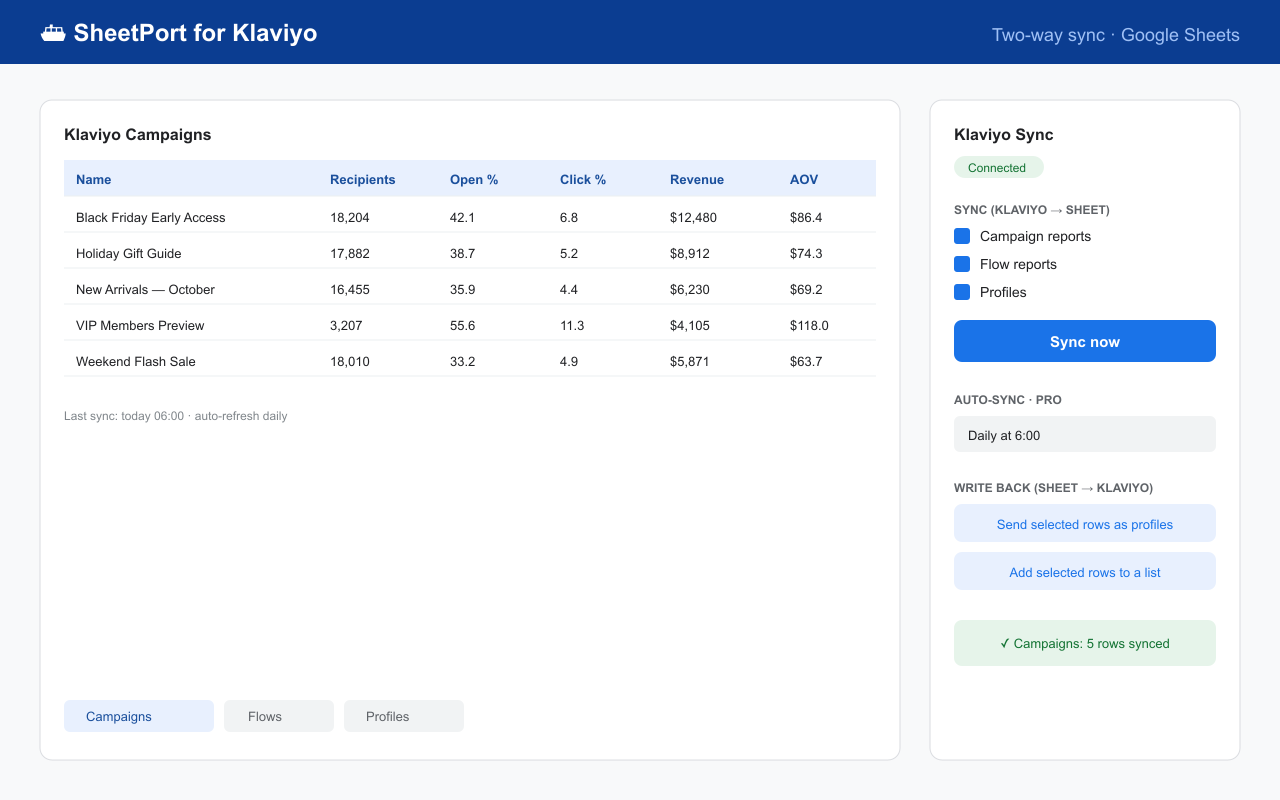
SheetPort for Klaviyo is a Google Sheets™ add-on that replaces the loop with a connection:
- Install from the Google Workspace™ Marketplace and paste a scoped API key — about 30 seconds (docs).
- Campaigns, flows and profiles sync into their own tabs — correctly typed numbers and dates, no import wizard.
- Refresh manually anytime on the free plan, or let Pro re-sync daily/hourly. Same sheet, same formulas, always-current data.
CSV export vs. scheduled sync
| Manual CSV export | SheetPort sync | |
|---|---|---|
| Weekly effort | ~15 min per dataset | Zero after setup |
| Data freshness | Stale on arrival | Daily/hourly (Pro) or one click |
| Formatting fixes | Every import | None — typed values land directly |
| Formulas & charts | Repointed per import | Live in separate tabs, survive every refresh |
| Getting data back into Klaviyo | Separate CSV import wizard | Push rows back: profile upsert, add to list (Pro) |
| Large lists | One big file | 10,000+ profiles chunked & resumed automatically |
| Cost | Your hours | Free / Pro $19 per month |
When CSV export is still the right call
Fair is fair: for a one-time list migration to another platform, a one-off compliance snapshot, or an audit you'll never repeat, Klaviyo's built-in CSV export is fine — no tool needed. The loop only becomes a problem when it's recurring. If you're rebuilding the same report every week, that's the signal to switch — see the auto-refreshing reports guide for the full recipe, or the three-way export comparison if you're weighing a custom script too.
Google Workspace™ Marketplace · Free plan · No credit card required
SheetPort is an independent product and is not affiliated with or endorsed by Klaviyo. Klaviyo is a trademark of Klaviyo, Inc. Questions: [email protected]